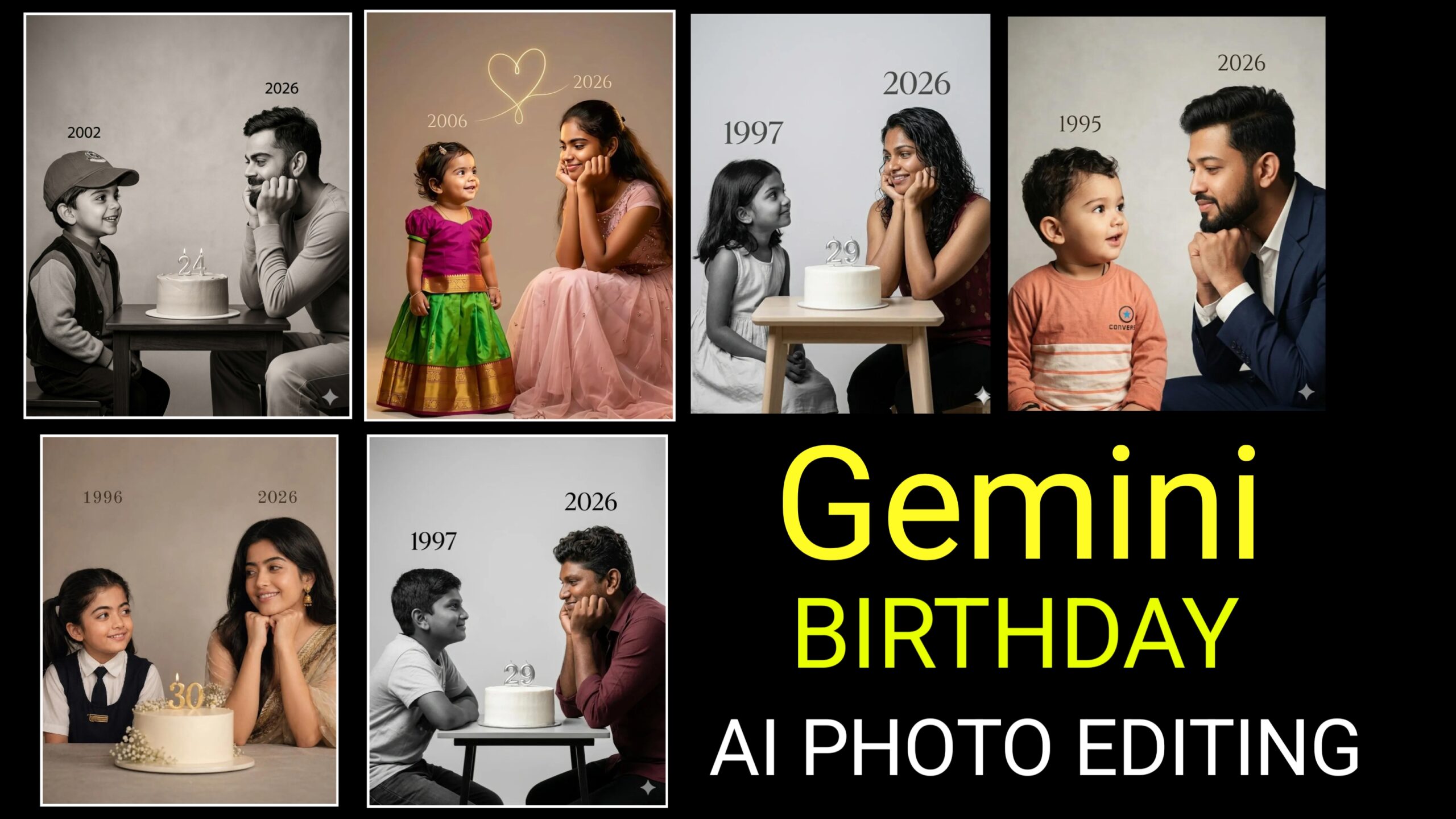
Nowadays, the trend of AI photo editing is growing rapidly—and in particular, “Gemini Childhood to Young Birthday AI Photo Editing” has become immensely popular among people. Through this trend, you can use AI to transform your childhood photos into stylish, youthful, and birthday-themed images. This is not merely a photo edit, but a wonderful way to showcase your memories in a fresh, new style.If you, too, wish to go viral by creating photos like this, today’s article explains exactly how to do it. Simply read through this post to get all the details—a complete, step-by-step guide is provided.
What is Gemini Childhood To Young Birthday AI Photo Editing?
This is an AI-based photo editing trend in which:
A childhood photograph of yours is selected;
It is transformed into a younger version of yourself using AI;
Finally, a birthday theme—complete with elements like cakes, balloons, and party effects—is added to give it a fresh, creative look.
Photos of this kind are going viral across social media platforms (such as Instagram, YouTube Shorts, and Reels).
How to Edit Photos with Gemini AI? (Step-by-Step)
- First, ensure you have clear, high-quality photos of yourself from both your childhood and your youth.
- Now, open Gemini and use the plus icon to add your photos.
- You will then see an option to add a prompt; here, you need to write a well-crafted prompt to ensure you get the desired results.
- Wait a few seconds, and your photo will be generated.
- You can perform some color grading using the VN App or CapCut.
- You can also create a video by adding text or music.
Photo Editing Pro Tips
Always use HD photos.
Ensure the face is not blurred.
Ensure the lighting and angles are correct.
Try more than one prompt.
Avoid over-editing (maintain a natural look).
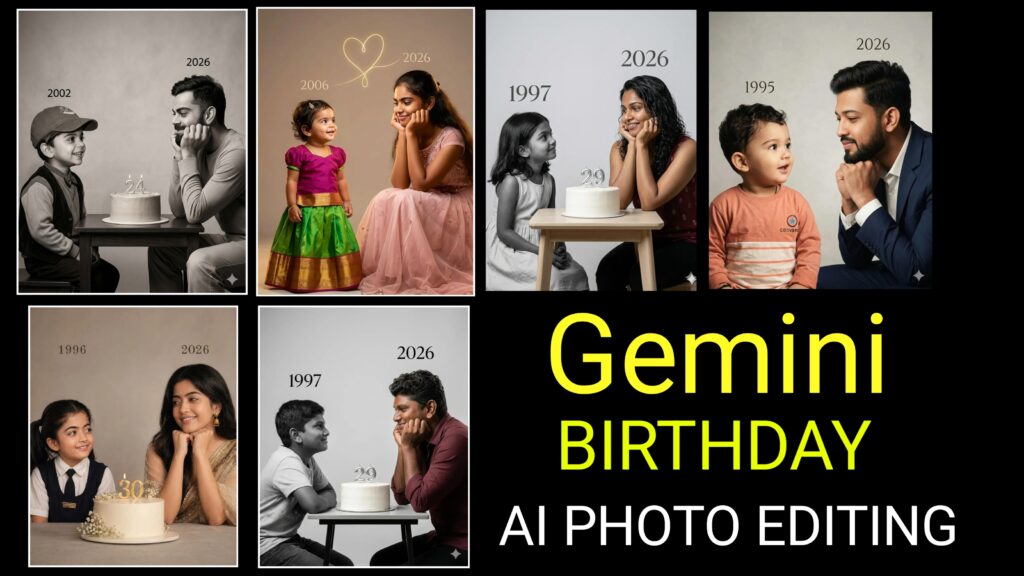
Prompts :
On the left: a child version of me (from a childhood photo) looking with an innocent smile to the right, with 2002 written above it.
On the right: A present version of me (from a
recent photo) sits with her hands under her chin and looks at the child with a calm smile, with “2026” written above her.
In the middle: a table with a simple, elegant birthday cake with number 23 on top.
Studio background: plain and soft (studio background)
The lighting: Soft, cinematic, warm (even a black-and-white photo).
Style: Professional, minimal, emotional photography, focusing on feelings and visual communication between the two versions.
Make the picture look so real like a real photoshoot.
Keep my original features without changing.
photo size 4:5
Conclusion
Gemini Childhood-to-Young Birthday AI Photo Editing is not just a trend; it is a way to relive memories in a whole new light. If you use the right prompts and a touch of creativity, you too can easily create viral photos or videos.If you encounter any problems while editing photos, you can ask us by leaving a comment. We will do our best to respond to your comments.
